 TechDevs
Tap a link on your phone and a page appears in about a second. In that second, your request travelled further than most people travel in a year — possibly to another continent and back. Here is the whole journey, step by step, and why understanding it makes you smarter about data, speed and what you pay.
Step 1: Your phone shouts into the air
Your phone has no cable. Everything starts as radio waves between your phone and the nearest tower — the same physics as an FM station, just carrying data instead of music. This first hop explains a lot of everyday frustration:
- Signal bars measure this hop only. Full bars mean you can reach the tower clearly — they say nothing about how busy the network is behind it.
- Crowds slow everything. A tower is shared. At a match or a music festival, thousands of phones divide the same radio capacity, which is why the internet "dies" in a packed stadium even with full signal.
- Walls and distance matter. Deep inside a building, your phone transmits harder to be heard, which also drains the battery faster. A phone hunting for weak signal all day dies early — that's not the battery's fault.
Step 2: The tower hands off to fibre
From the tower, your request usually enters a fibre optic cable — hair-thin glass carrying data as flashes of light. This "backhaul" network runs along roads and power lines, joining towers to the mobile operator's core network in the big cities.
Fibre is the true backbone of the internet. Radio covers the last few kilometres to your phone; glass does the thousands of kilometres everywhere else.
Step 3: Out of the country — the part nobody sees
Most of what you use — WhatsApp, YouTube, Google, TikTok — is not hosted in Zambia. Your request has to leave the country, and for a landlocked country that means terrestrial fibre routes to the coast: south through Zimbabwe and South Africa toward Cape Town, or east through Tanzania to Dar es Salaam.
At the coast, it dives into the sea. Undersea cables — armoured bundles of fibre lying on the ocean floor — carry nearly all intercontinental internet traffic. Not satellites: cables. A single modern cable can carry more data than every satellite above Earth combined. When a ship's anchor damages one, entire regions feel the internet slow down for weeks.
This journey is also part of why data here costs more than in Europe: every gigabyte you use pays a small toll to cross several networks and countries before it even reaches the wider internet.
Step 4: The shortcut — why some sites feel instant
Here's the clever part. Big companies don't make you cross the ocean every time. They install CDN servers (content delivery networks) inside Africa — in Johannesburg, Nairobi, sometimes right inside local ISPs — holding copies of popular content.
When YouTube loads fast at midnight, you're probably being served from Johannesburg, not California. When a small website feels slow, it often lives on a single server in Europe or the US, and every image genuinely crosses the planet to reach you.
This is why we build websites with local conditions in mind — light pages, compressed images, nothing heavy that forces long trips. Speed is a design decision, not luck.
Latency vs bandwidth — the two speeds people confuse
- Bandwidth is how much data flows per second — the width of the pipe. It decides how fast a video downloads.
- Latency is how long one round trip takes — the length of the pipe. It decides how quickly a page starts responding, and it's ruled by physical distance.
A page that needs 40 little round trips to far-away servers feels slow even on fast bandwidth, because each trip pays the distance tax. That's why "my internet is fast but this site is slow" is usually the site's fault, not your bundle's.
What to do with all this
- Slow site on good signal? The problem is usually the site's distance or design — try again later or use its lite version if one exists.
- Battery draining fast? Check whether you're living on weak signal; a cheap signal improvement (moving the router, changing rooms) saves battery too.
- Building something for customers? Host close to them and keep pages light. Your users pay per megabyte; respect that and they'll stay.
The internet feels like magic, but it's infrastructure — radio, glass and salt water. Once you can picture the journey, everything from data prices to slow evenings makes sense.
Related articles
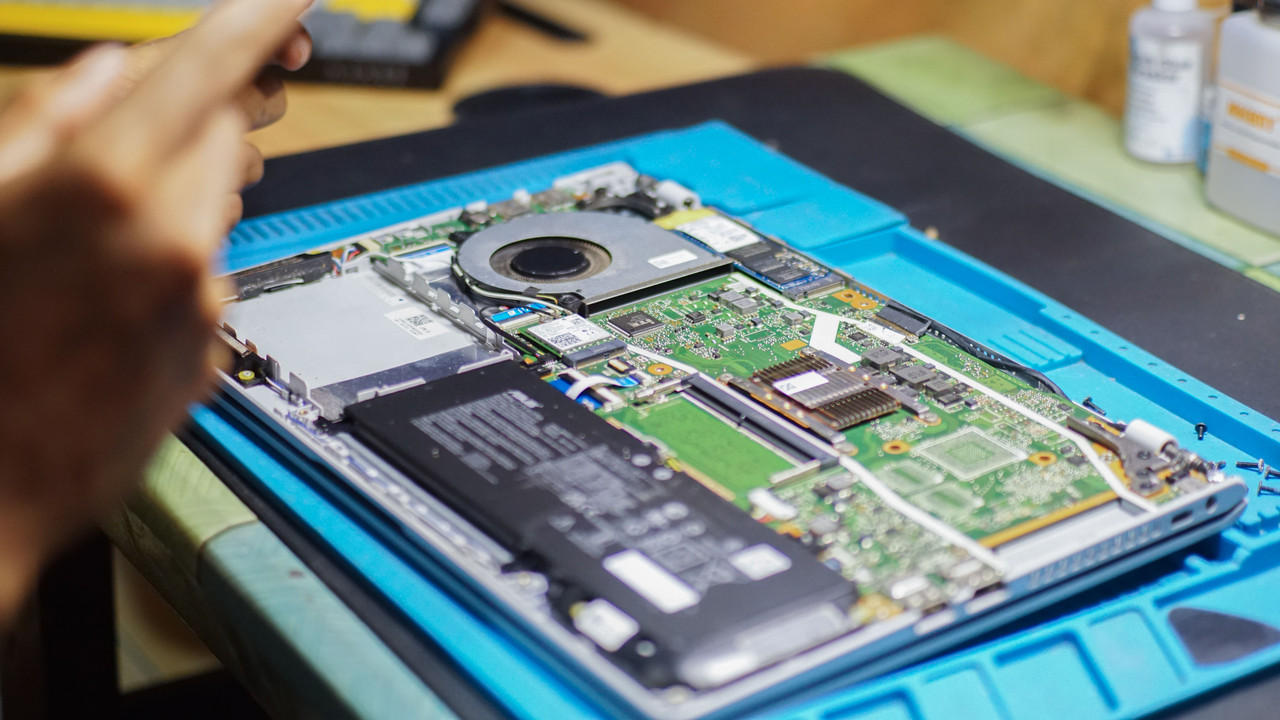
Make your batteries last: the simple rules for phones and laptops
Batteries are the most expensive part of a device to replace — and the most mistreated. These five rules make yours last years longer, free.

How accounts really get hacked — and the 20-minute setup that stops it
Hackers almost never 'guess' your password. Here's how accounts are actually stolen — phishing, reused passwords, WhatsApp code tricks — and the short setup that blocks nearly all of it.

Why your computer is slow — and the fixes that actually work
Before you pay anyone to "format" your slow computer, try these fixes in order. Most slow PCs have one of five problems, and three of them are free to fix.
Get notified when there's something new
No spam — just a quick email when a useful article or tool launches. Unsubscribe any time.